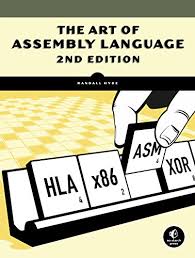
To get started, you'll need a computer, an assembler like NASM or MASM, and a text editor such as Visual Studio Code. Familiarizing yourself with some basic programming concepts will help, and there are plenty of tutorials available to guide you. While it can be challenging, learning assembly offers valuable insights into coding and computer architecture. Dive in, and enjoy the journey!
MacBooks used x86 architecture starting in 2006 when Apple transitioned from PowerPC processors to Intel's x86 processors. This shift marked the beginning of the Intel-based Mac lineup, including various MacBook models. The x86 architecture continued to be used in MacBooks until Apple introduced its own Apple Silicon (ARM-based) processors in 2020, beginning with the M1 chip. The last MacBooks with Intel x86 architecture were released in early 2020. Therefore, the years when MacBooks had x86 architecture were from 2006 to 2020.
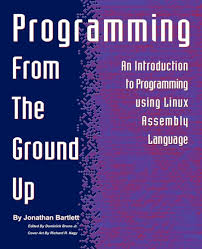
To program in x86 architecture on a Windows machine, you need a computer with a 64-bit processor that supports x86 instructions. Ideally, the system should have at least 4 GB of RAM, though 8 GB or more is recommended for smoother performance.
To program in x86 architecture on a Linux machine, you need a computer with a 64-bit processor that supports x86 instructions. A minimum of 4 GB of RAM is recommended, though 8 GB or more is ideal for better performance.